


'%20stroke='%23003550'%20stroke-width='22'/%3e%3cpath%20d='M615.364%20614.797L494.794%20735.367C431.238%20798.923%20328.192%20798.923%20264.636%20735.366C201.08%20671.81%20201.08%20568.765%20264.636%20505.208L385.206%20384.638L615.364%20614.797Z'%20fill='%2314B8A6'%20stroke='%23003550'%20stroke-width='22'/%3e%3cpath%20d='M385.555%20384.205L506.125%20263.635C569.682%20200.079%20672.727%20200.079%20736.284%20263.636C799.84%20327.192%20799.84%20430.237%20736.284%20493.794L615.714%20614.364L385.555%20384.205Z'%20fill='%2361E6D7'%20stroke='%23003550'%20stroke-width='22'/%3e%3cline%20x1='390.262'%20y1='389.7'%20x2='614.902'%20y2='614.341'%20stroke='%23003550'%20stroke-width='22'/%3e%3cpath%20d='M616.636%20259.165C626.365%20259.647%20636.537%20261.479%20647.151%20264.661C653.253%20266.487%20658.198%20268.338%20661.984%20270.212C670.415%20274.389%20678.654%20279.528%20686.701%20285.629C689.518%20287.767%20691.353%20289.797%20692.206%20291.721C694.493%20296.851%20693.148%20303.025%20689.024%20306.79C684.973%20310.49%20680.007%20311.177%20674.74%20309.529C673.716%20309.211%20671.701%20307.861%20668.696%20305.48C653.461%20293.415%20635.08%20286.683%20615.319%20285.693C595.557%20284.713%20576.601%20289.586%20560.241%20300.084C557.016%20302.154%20554.879%20303.296%20553.831%20303.51C548.426%20304.628%20543.552%20303.446%20539.885%20299.361C536.154%20295.211%20535.432%20288.927%20538.212%20284.054C539.254%20282.222%20541.281%20280.383%20544.293%20278.539C552.907%20273.269%20561.616%20268.973%20570.419%20265.65C574.369%20264.16%20579.472%20262.811%20585.727%20261.602C596.603%20259.489%20606.906%20258.676%20616.636%20259.165Z'%20fill='white'/%3e%3cpath%20d='M504.174%20315.988L440.989%20378.952C435.767%20384.156%20435.752%20392.609%20440.956%20397.831L441.293%20398.169C446.497%20403.391%20454.95%20403.406%20460.172%20398.201L523.356%20335.237C528.579%20330.033%20528.594%20321.58%20523.389%20316.358L523.053%20316.021C517.849%20310.798%20509.396%20310.783%20504.174%20315.988Z'%20fill='white'/%3e%3cpath%20d='M395.487%20439.517L395.137%20439.167C389.644%20433.693%20380.753%20433.709%20375.279%20439.202L309.551%20505.16C304.077%20510.653%20304.092%20519.544%20309.585%20525.018L309.936%20525.367C315.429%20530.841%20324.32%20530.826%20329.794%20525.333L395.522%20459.375C400.996%20453.881%20400.98%20444.991%20395.487%20439.517Z'%20fill='white'/%3e%3cpath%20d='M281.513%20608.36C280.758%20623.997%20283.442%20641.206%20290.879%20655.184C293.171%20659.505%20293.516%20663.88%20291.913%20668.309C288.362%20678.136%20275.324%20680.069%20268.857%20672.526C267.919%20671.439%20266.204%20667.92%20263.712%20661.969C256.238%20644.153%20253.368%20626.091%20254.281%20607.015C255.194%20587.929%20259.78%20570.236%20268.922%20553.245C271.973%20547.571%20274.017%20544.239%20275.054%20543.247C282.212%20536.376%20295.007%20539.589%20297.598%20549.729C298.766%20554.29%20298.005%20558.608%20295.315%20562.683C286.573%20575.865%20282.258%20592.724%20281.513%20608.36Z'%20fill='white'/%3e%3c/svg%3e)
'%3e%3cpath%20d='M222%20640%20L214%20476%20Q212%20432%20256%20432%20Q304%20434%20334%20462%20Q356%20482%20384%20452%20L424%20404%20Q440%20386%20458%20402%20L526%20470%20Q586%20528%20684%20546%20Q822%20568%20838%20640%20Z'%20fill='%23A8AFB8'%20stroke='%23003550'%20stroke-width='24'%20stroke-linejoin='round'/%3e%3cpath%20d='M226%20520%20Q262%20506%20292%20520'%20stroke='%23003550'%20stroke-width='18'%20stroke-linecap='round'%20fill='none'%20opacity='0.18'/%3e%3cpath%20d='M300%20596%20Q430%20540%20610%20590'%20stroke='white'%20stroke-width='30'%20stroke-linecap='round'%20fill='none'/%3e%3cline%20x1='470'%20y1='420'%20x2='430'%20y2='462'%20stroke='%23003550'%20stroke-width='20'%20stroke-linecap='round'/%3e%3cline%20x1='502'%20y1='450'%20x2='462'%20y2='492'%20stroke='%23003550'%20stroke-width='20'%20stroke-linecap='round'/%3e%3cline%20x1='536'%20y1='480'%20x2='498'%20y2='520'%20stroke='%23003550'%20stroke-width='20'%20stroke-linecap='round'/%3e%3cpath%20d='M198%20640%20L846%20640%20Q868%20640%20866%20664%20L862%20684%20Q857%20716%20822%20716%20L224%20716%20Q188%20716%20188%20684%20L188%20650%20Q188%20640%20198%20640%20Z'%20fill='%23E4E7EB'%20stroke='%23003550'%20stroke-width='24'%20stroke-linejoin='round'/%3e%3cline%20x1='242'%20y1='678'%20x2='430'%20y2='678'%20stroke='%23003550'%20stroke-width='16'%20stroke-linecap='round'%20opacity='0.15'/%3e%3c/g%3e%3c/svg%3e)


'%3e%3crect%20x='220'%20y='230'%20width='620'%20height='420'%20rx='44'%20fill='%23F4EADA'%20stroke='%23003550'%20stroke-width='34'/%3e%3c/g%3e%3cg%20transform='rotate(-6%20480%20540)'%3e%3crect%20x='150'%20y='330'%20width='620'%20height='420'%20rx='44'%20fill='%23FFFFFF'%20stroke='%23003550'%20stroke-width='34'/%3e%3cpath%20transform='translate(345%20545)%20scale(1.6)'%20d='M0%2066%20C-66%2024%20-90%20-20%20-68%20-48%20C-50%20-70%20-18%20-64%200%20-38%20C18%20-64%2050%20-70%2068%20-48%20C90%20-20%2066%2024%200%2066%20Z'%20fill='%23CEA058'%20stroke='%23003550'%20stroke-width='20.0'%20stroke-linejoin='round'/%3e%3cpath%20transform='translate(345%20545)%20scale(1.6)'%20d='M-58%20-26%20Q-58%20-46%20-42%20-52'%20stroke='%23FFFFFF'%20stroke-width='11.2'%20stroke-linecap='round'/%3e%3cpath%20d='M525%20495%20H690%20M525%20600%20H650'%20stroke='%23CEA058'%20stroke-width='40'%20stroke-linecap='round'/%3e%3c/g%3e%3c/svg%3e)





Screen Box: Track Every Movie and Show, Never Lose Your Place
Streaming across a dozen services means constantly forgetting what you're watching. Here is why Screen Box matters and how to keep your whole watchlife organized.
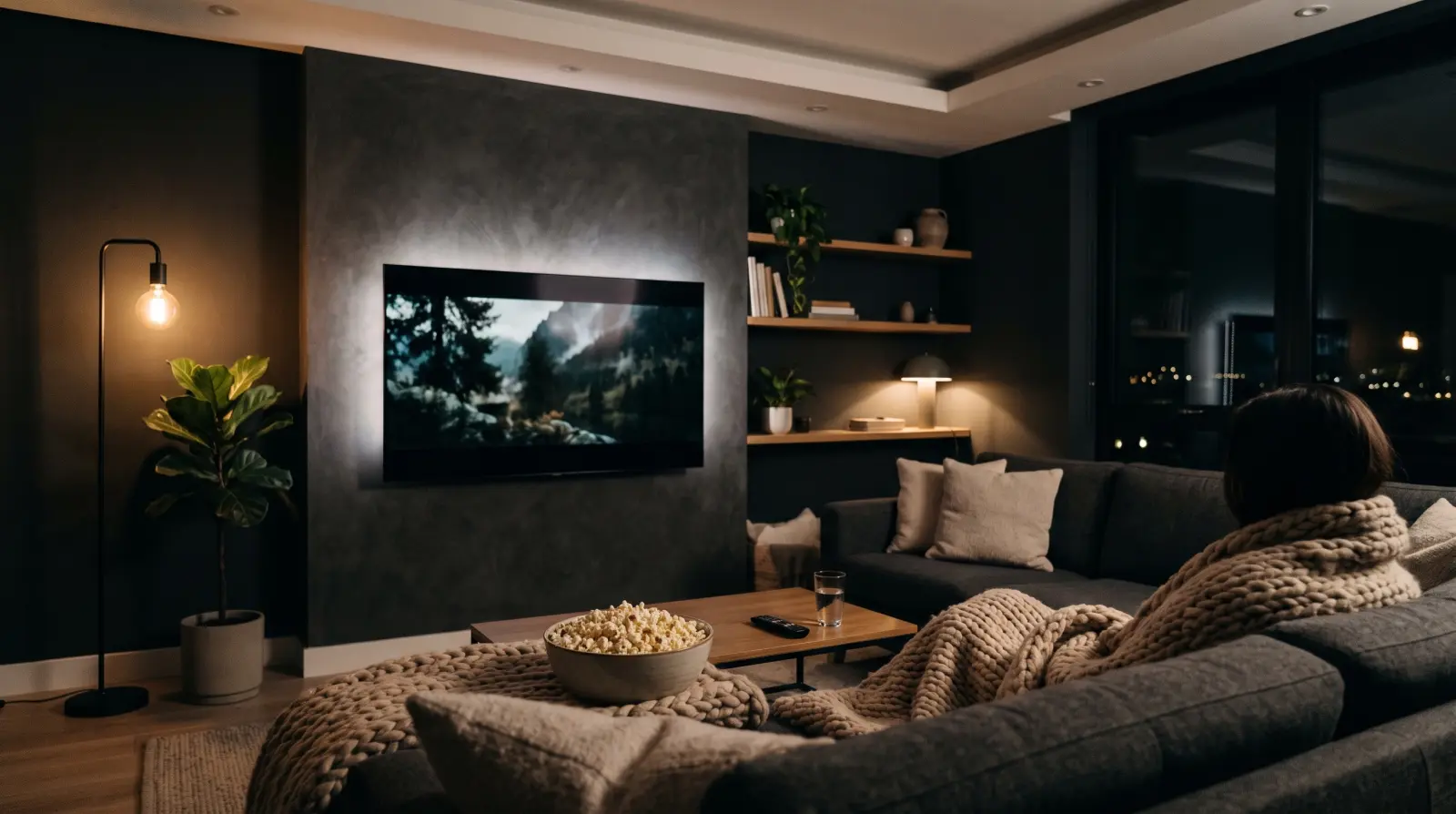
With shows spread across a handful of streaming services, keeping track of what you're watching has quietly become a chore: which episode were you on, what was that film a friend recommended, what did you want to watch next? Screen Box is the movie and TV tracker built into Listub - your personal watchbox for all of it.
Why a watch tracker matters
Streaming apps only know about their own catalogue, so your watching ends up fragmented and forgettable. You finish a season on one service, start a film on another, and a recommendation from a friend lives in a chat you will never scroll back to. One tracker that spans everything means you never lose your place mid-season, never forget a recommendation, and always have something ready for the next quiet evening.
What Screen Box does
- One watchbox for movies and series, with separate views when you want them.
- A catalogue of millions of titles - add one with a tap and the poster, description and air dates fill themselves in.
- Statuses that match real life: want to watch, watching, watched.
- Episode-by-episode tracking with per-season progress bars, plus a one-tap option to mark all previous episodes as watched.
- Reminders on the day a new episode airs, and alerts for premieres and finales of the shows you follow.
- Ratings, a watch diary with the dates you actually watched, and a stats tab with streaks and badges.
Getting started in a few minutes
- Open Screen Box in Listub and search for the shows you are watching right now.
- For each series, mark the episodes you have already seen - backfilling a whole season takes a single tap.
- Add the films and shows you keep meaning to watch as want to watch.
- Follow the shows you care about so the air-day reminders and premiere alerts reach you.
- If you have years of history elsewhere, import the export ZIP so your past watching lands in your diary.
Deciding what to watch tonight
The hardest part of an evening is often choosing. Screen Box helps from three directions. The Up Next queue names the exact episode you are due in each show. Surprise Me picks something from your own list when nobody can agree. And the time-fit filter narrows your list to what fits the minutes you actually have - useful when there are forty minutes before bed, not three hours.
Your watchlist should work across every service, remember where you stopped and help you choose - not just store titles.
Watching with friends
Recommendations are better when they come from people you trust. Screen Box can show your watchbox on your public profile to the followers or friends you choose, and you can follow people to see their latest watches and ratings. They find you by your username, and nobody without a Listub account can open it. Sharing is opt-in and can be turned off at any time, so your watch history stays private unless you decide otherwise.
Everyday situations it handles well
- The multi-show binger: five series on the go across different services, and Up Next always knows which episode is next in each.
- The weekly viewer: follow a show that airs one episode a week and let the air-day reminder tell you when it is out.
- Movie night: nobody can agree, so open the want to watch list, filter by the time you have or let Surprise Me decide.
- The recommendation collector: a colleague mentions a documentary over lunch - add it in two taps and it is waiting next weekend.
Because Screen Box lives inside Listub, it is not yet another single-purpose app on your phone. The same app that tracks what you watch also handles your shopping lists, tasks, travel plans and notes, with the same privacy-first foundation and sync across your devices.
Tips for keeping it useful
- Check off episodes right after watching - it takes a second and keeps Up Next accurate.
- Add a recommendation the moment you hear it, before the name slips away.
- Rate what you finish; after a few months your ratings become a reliable guide to your own taste.
- Move shows you have given up on out of watching, so the queue only shows what you really want to continue.
- Look back at your diary and stats now and then - it is surprisingly satisfying to see a year of watching.
Questions people ask
Can I track movies and TV shows in the same place?
Yes. Films and series sit in one watchbox with dedicated views for each, and shows get episode-level tracking on top.
Does Screen Box remind me about new episodes?
Yes. When you follow a show, Screen Box can remind you on the day a new episode airs and alert you for premieres and finales.
Is Screen Box free, and are there ads?
Yes. Screen Box comes with Listub and is free for everyone, and there are no ads - Listub sells no advertising anywhere.
Does it work offline and on all my devices?
Screen Box is local-first like the rest of Listub, so it opens and works without a connection. It runs on Android, iPhone and iPad, Windows, macOS, Linux and the web, and stays in sync across them.
 Featured moduleScreen BoxEvery film and series you watch.Explore this module
 Ready to get organized?
Listub brings your lists, plans and notes into one calm, private place that syncs across every device - and lets you share with the people who matter.
Get Listub free