

'%3e%3cpath%20d='M222%20640%20L214%20476%20Q212%20432%20256%20432%20Q304%20434%20334%20462%20Q356%20482%20384%20452%20L424%20404%20Q440%20386%20458%20402%20L526%20470%20Q586%20528%20684%20546%20Q822%20568%20838%20640%20Z'%20fill='%23A8AFB8'%20stroke='%23003550'%20stroke-width='24'%20stroke-linejoin='round'/%3e%3cpath%20d='M226%20520%20Q262%20506%20292%20520'%20stroke='%23003550'%20stroke-width='18'%20stroke-linecap='round'%20fill='none'%20opacity='0.18'/%3e%3cpath%20d='M300%20596%20Q430%20540%20610%20590'%20stroke='white'%20stroke-width='30'%20stroke-linecap='round'%20fill='none'/%3e%3cline%20x1='470'%20y1='420'%20x2='430'%20y2='462'%20stroke='%23003550'%20stroke-width='20'%20stroke-linecap='round'/%3e%3cline%20x1='502'%20y1='450'%20x2='462'%20y2='492'%20stroke='%23003550'%20stroke-width='20'%20stroke-linecap='round'/%3e%3cline%20x1='536'%20y1='480'%20x2='498'%20y2='520'%20stroke='%23003550'%20stroke-width='20'%20stroke-linecap='round'/%3e%3cpath%20d='M198%20640%20L846%20640%20Q868%20640%20866%20664%20L862%20684%20Q857%20716%20822%20716%20L224%20716%20Q188%20716%20188%20684%20L188%20650%20Q188%20640%20198%20640%20Z'%20fill='%23E4E7EB'%20stroke='%23003550'%20stroke-width='24'%20stroke-linejoin='round'/%3e%3cline%20x1='242'%20y1='678'%20x2='430'%20y2='678'%20stroke='%23003550'%20stroke-width='16'%20stroke-linecap='round'%20opacity='0.15'/%3e%3c/g%3e%3c/svg%3e)


'%3e%3crect%20x='220'%20y='230'%20width='620'%20height='420'%20rx='44'%20fill='%23F4EADA'%20stroke='%23003550'%20stroke-width='34'/%3e%3c/g%3e%3cg%20transform='rotate(-6%20480%20540)'%3e%3crect%20x='150'%20y='330'%20width='620'%20height='420'%20rx='44'%20fill='%23FFFFFF'%20stroke='%23003550'%20stroke-width='34'/%3e%3cpath%20transform='translate(345%20545)%20scale(1.6)'%20d='M0%2066%20C-66%2024%20-90%20-20%20-68%20-48%20C-50%20-70%20-18%20-64%200%20-38%20C18%20-64%2050%20-70%2068%20-48%20C90%20-20%2066%2024%200%2066%20Z'%20fill='%23CEA058'%20stroke='%23003550'%20stroke-width='20.0'%20stroke-linejoin='round'/%3e%3cpath%20transform='translate(345%20545)%20scale(1.6)'%20d='M-58%20-26%20Q-58%20-46%20-42%20-52'%20stroke='%23FFFFFF'%20stroke-width='11.2'%20stroke-linecap='round'/%3e%3cpath%20d='M525%20495%20H690%20M525%20600%20H650'%20stroke='%23CEA058'%20stroke-width='40'%20stroke-linecap='round'/%3e%3c/g%3e%3c/svg%3e)



Short boilerplate
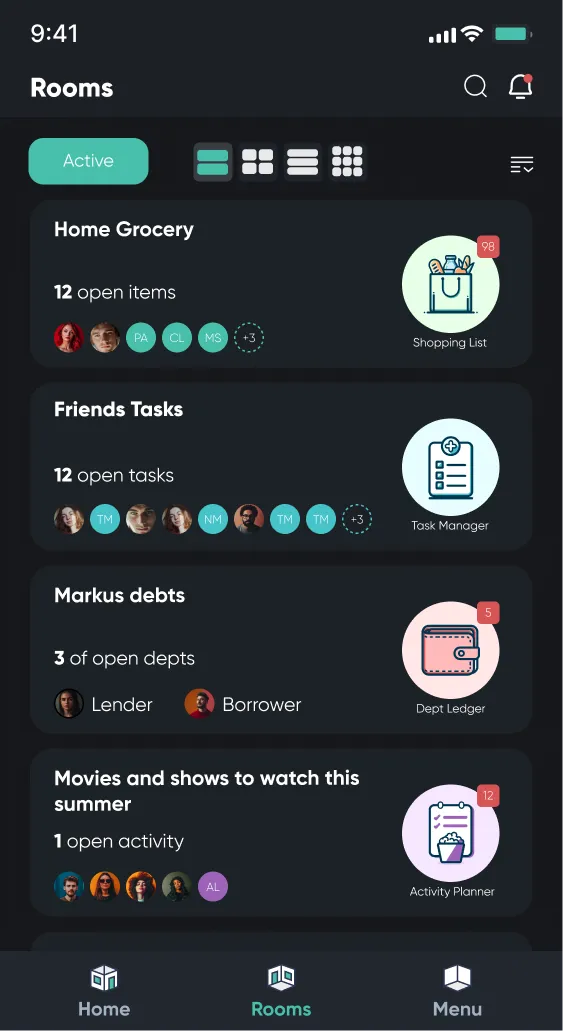
Listub is an all-in-one organization app that brings shopping lists, tasks, notes, travel plans, documents and more into shared rooms for family and friends. It is available in 77 languages on iOS, Android and macOS.
Press
Logos, screenshots and company information for journalists, bloggers and creators
21°↑ 24° ↓ 14°
Sunny
Let’s make today count.
12open
1overdue






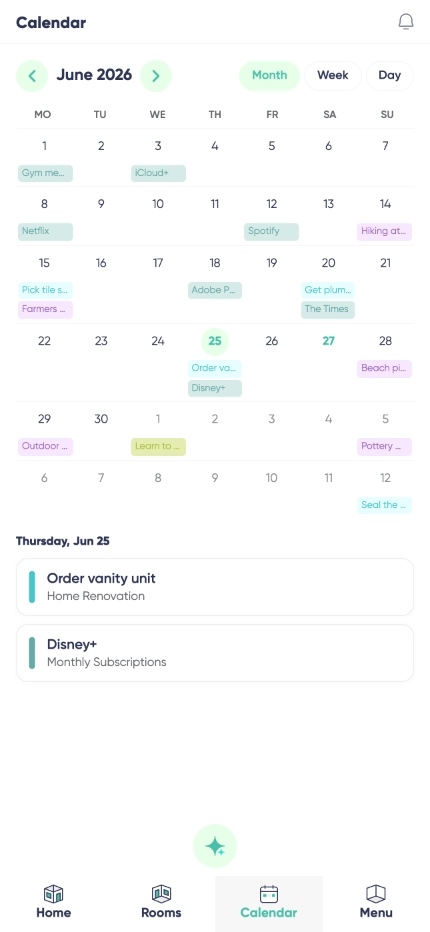
 Home RenovationTask Manager · 4 open
 Weekly GroceriesShopping List · 8 open
'%20stroke='%23003550'%20stroke-width='22'/%3e%3cpath%20d='M615.364%20614.797L494.794%20735.367C431.238%20798.923%20328.192%20798.923%20264.636%20735.366C201.08%20671.81%20201.08%20568.765%20264.636%20505.208L385.206%20384.638L615.364%20614.797Z'%20fill='%2314B8A6'%20stroke='%23003550'%20stroke-width='22'/%3e%3cpath%20d='M385.555%20384.205L506.125%20263.635C569.682%20200.079%20672.727%20200.079%20736.284%20263.636C799.84%20327.192%20799.84%20430.237%20736.284%20493.794L615.714%20614.364L385.555%20384.205Z'%20fill='%2361E6D7'%20stroke='%23003550'%20stroke-width='22'/%3e%3cline%20x1='390.262'%20y1='389.7'%20x2='614.902'%20y2='614.341'%20stroke='%23003550'%20stroke-width='22'/%3e%3cpath%20d='M616.636%20259.165C626.365%20259.647%20636.537%20261.479%20647.151%20264.661C653.253%20266.487%20658.198%20268.338%20661.984%20270.212C670.415%20274.389%20678.654%20279.528%20686.701%20285.629C689.518%20287.767%20691.353%20289.797%20692.206%20291.721C694.493%20296.851%20693.148%20303.025%20689.024%20306.79C684.973%20310.49%20680.007%20311.177%20674.74%20309.529C673.716%20309.211%20671.701%20307.861%20668.696%20305.48C653.461%20293.415%20635.08%20286.683%20615.319%20285.693C595.557%20284.713%20576.601%20289.586%20560.241%20300.084C557.016%20302.154%20554.879%20303.296%20553.831%20303.51C548.426%20304.628%20543.552%20303.446%20539.885%20299.361C536.154%20295.211%20535.432%20288.927%20538.212%20284.054C539.254%20282.222%20541.281%20280.383%20544.293%20278.539C552.907%20273.269%20561.616%20268.973%20570.419%20265.65C574.369%20264.16%20579.472%20262.811%20585.727%20261.602C596.603%20259.489%20606.906%20258.676%20616.636%20259.165Z'%20fill='white'/%3e%3cpath%20d='M504.174%20315.988L440.989%20378.952C435.767%20384.156%20435.752%20392.609%20440.956%20397.831L441.293%20398.169C446.497%20403.391%20454.95%20403.406%20460.172%20398.201L523.356%20335.237C528.579%20330.033%20528.594%20321.58%20523.389%20316.358L523.053%20316.021C517.849%20310.798%20509.396%20310.783%20504.174%20315.988Z'%20fill='white'/%3e%3cpath%20d='M395.487%20439.517L395.137%20439.167C389.644%20433.693%20380.753%20433.709%20375.279%20439.202L309.551%20505.16C304.077%20510.653%20304.092%20519.544%20309.585%20525.018L309.936%20525.367C315.429%20530.841%20324.32%20530.826%20329.794%20525.333L395.522%20459.375C400.996%20453.881%20400.98%20444.991%20395.487%20439.517Z'%20fill='white'/%3e%3cpath%20d='M281.513%20608.36C280.758%20623.997%20283.442%20641.206%20290.879%20655.184C293.171%20659.505%20293.516%20663.88%20291.913%20668.309C288.362%20678.136%20275.324%20680.069%20268.857%20672.526C267.919%20671.439%20266.204%20667.92%20263.712%20661.969C256.238%20644.153%20253.368%20626.091%20254.281%20607.015C255.194%20587.929%20259.78%20570.236%20268.922%20553.245C271.973%20547.571%20274.017%20544.239%20275.054%20543.247C282.212%20536.376%20295.007%20539.589%20297.598%20549.729C298.766%20554.29%20298.005%20558.608%20295.315%20562.683C286.573%20575.865%20282.258%20592.724%20281.513%20608.36Z'%20fill='white'/%3e%3c/svg%3e)


Listub is an all-in-one organization app that brings shopping lists, tasks, notes, travel plans, documents and more into shared rooms for family and friends. It is available in 77 languages on iOS, Android and macOS.
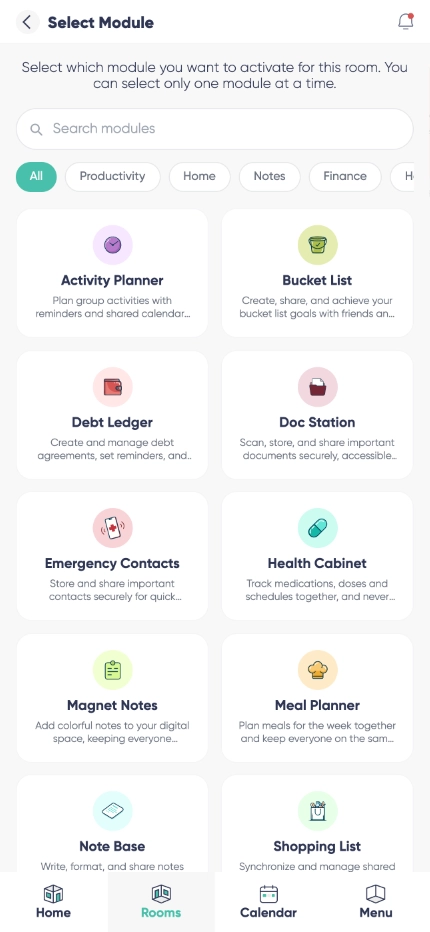
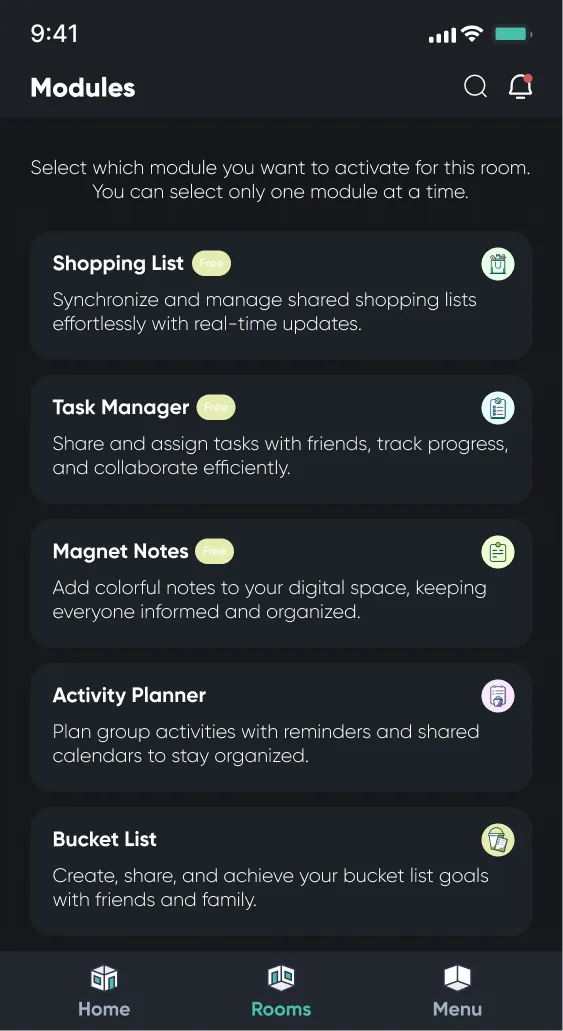
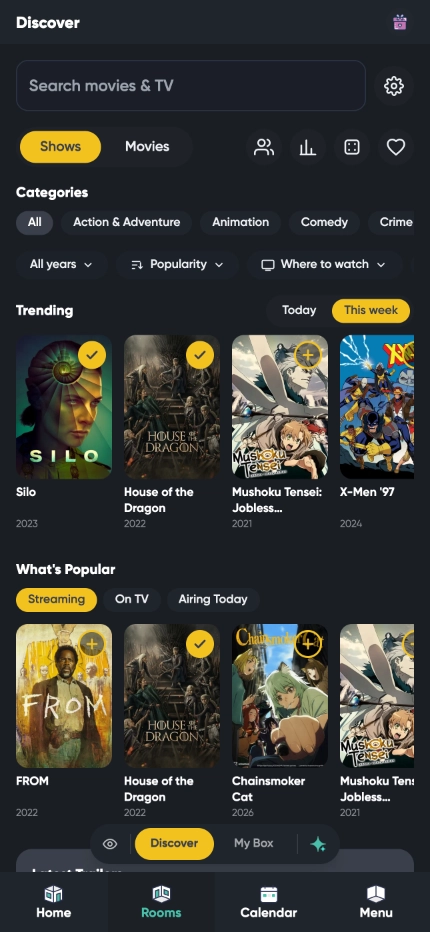
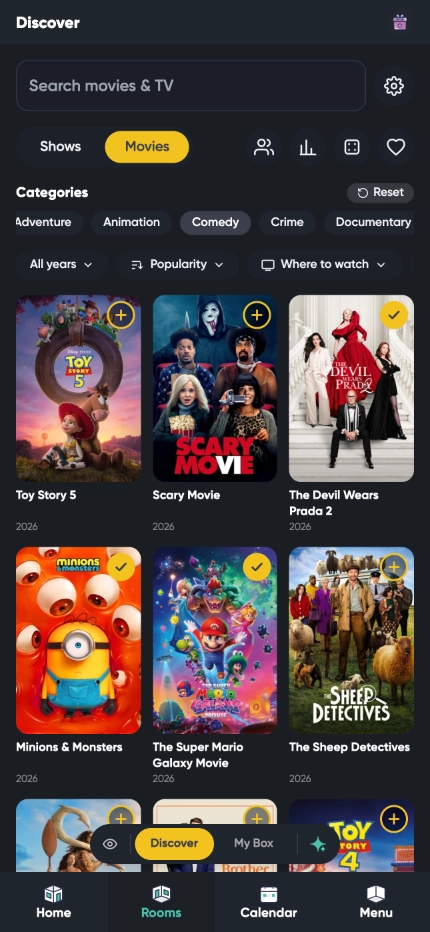
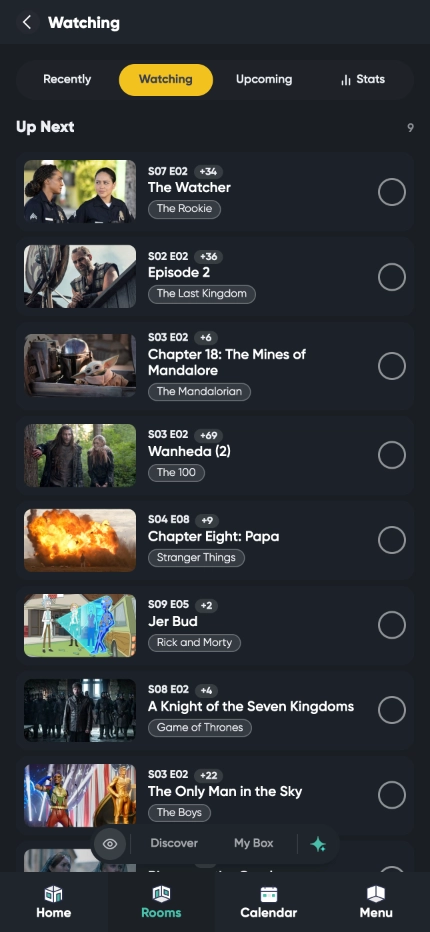
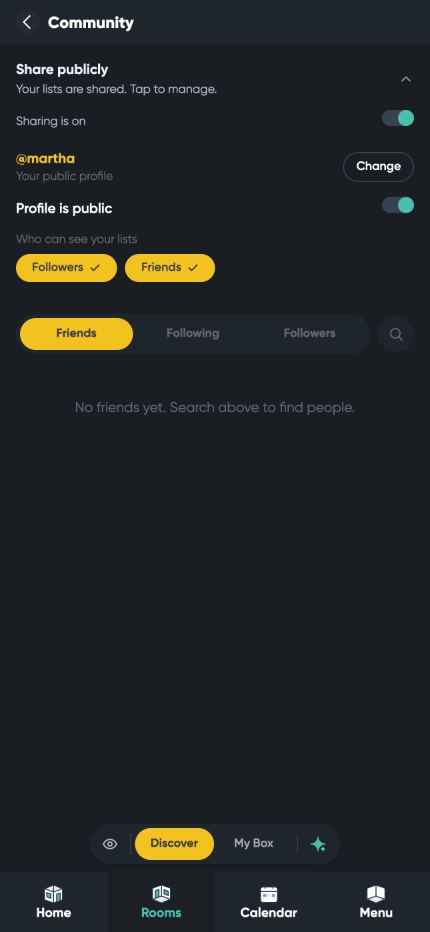
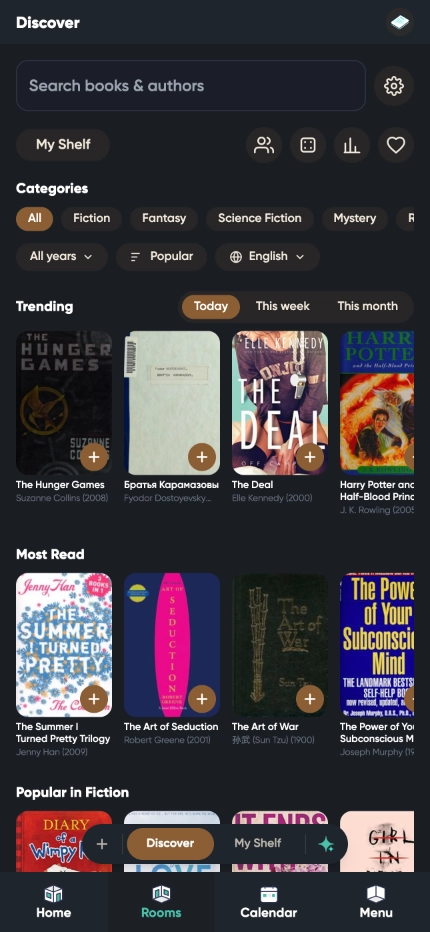
Listub replaces the patchwork of single-purpose apps people use to organize their lives. Its 15 modules cover everything from shopping lists, tasks and notes to travel planning, documents, subscriptions and medications, while dedicated trackers help users follow the movies, shows and books they love. Everything lives in shared rooms, so families and friends stay organized together in real time. Listub is built with privacy and security at its core, speaks 77 languages and runs on iOS, Android and macOS. Listub AI, the built-in assistant, helps users create and manage their lists even faster.
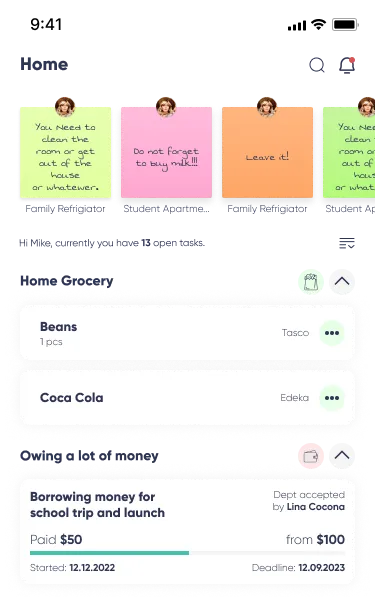
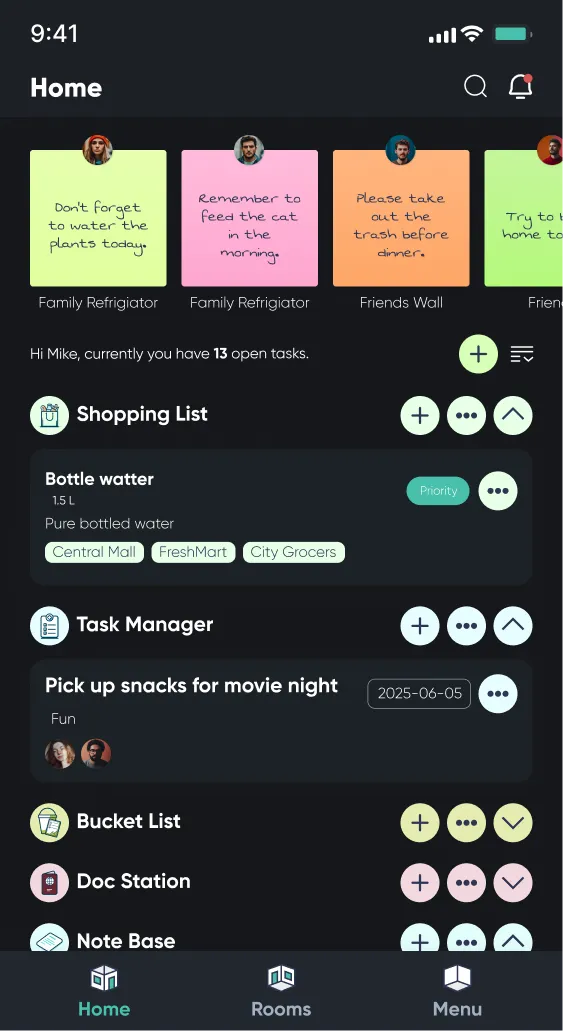
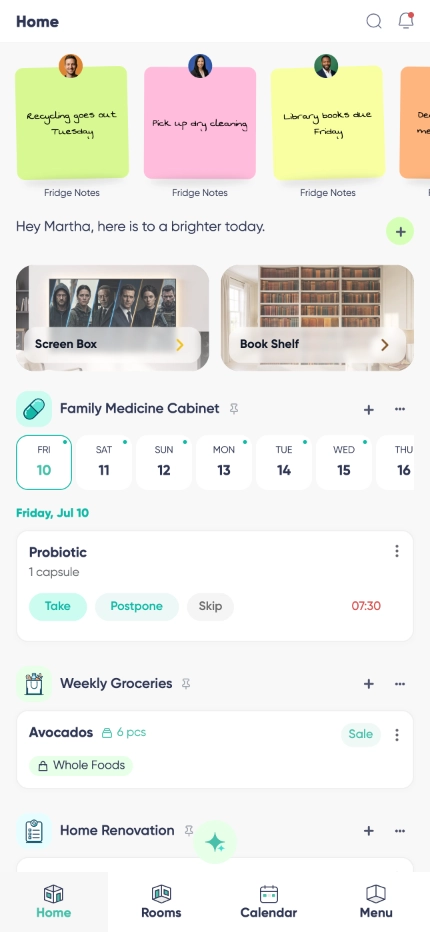
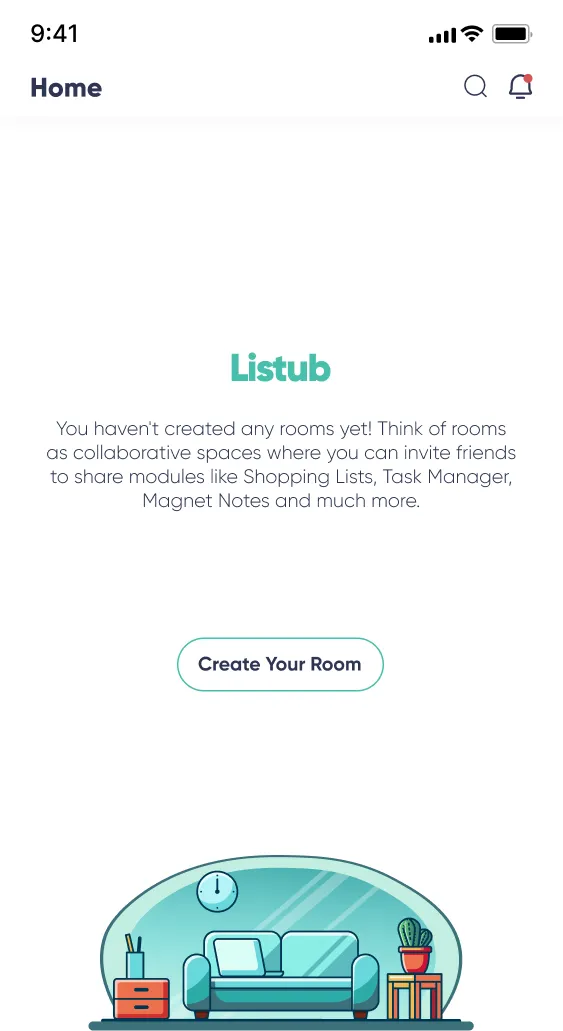
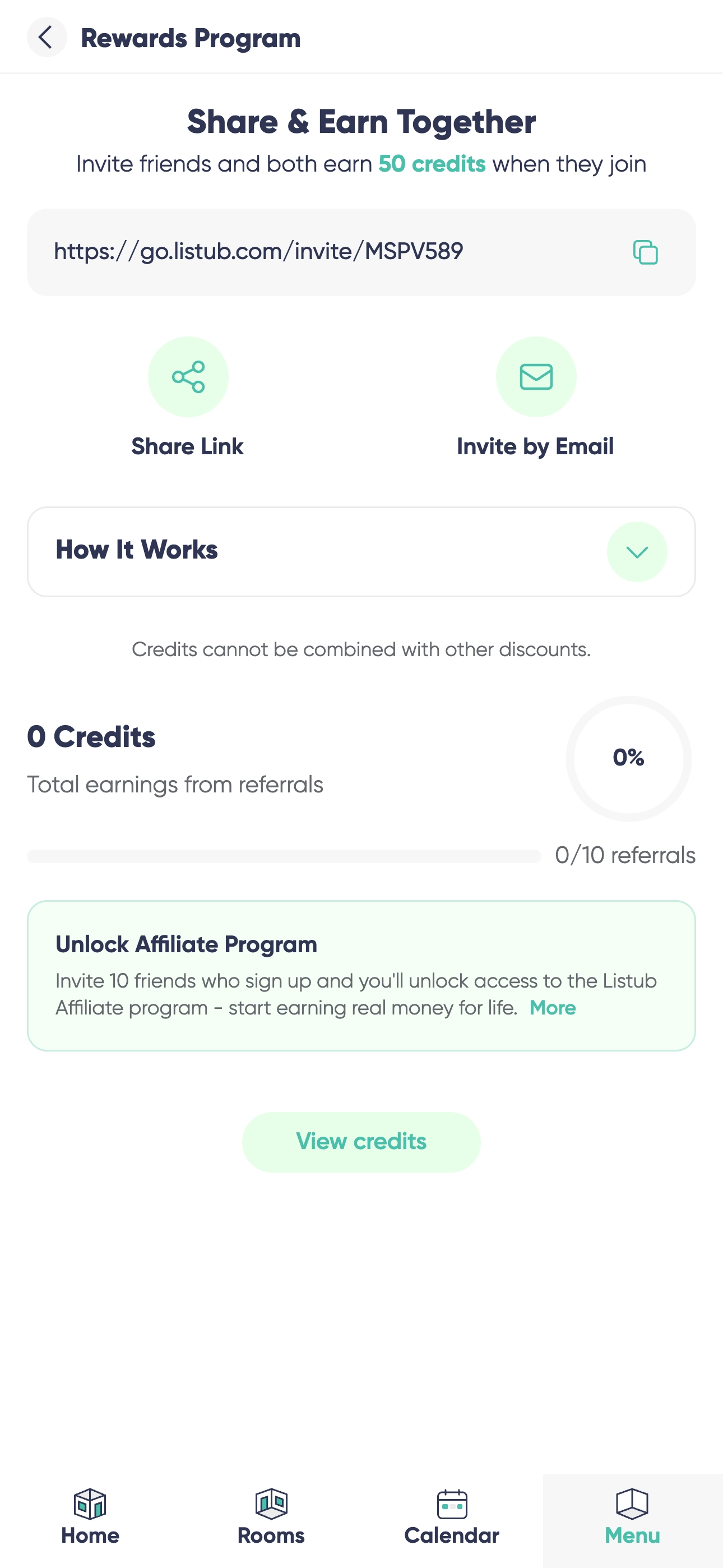
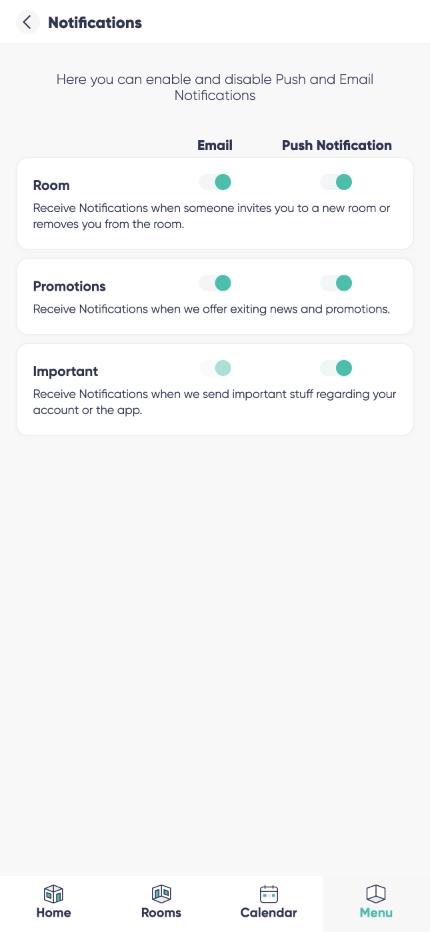
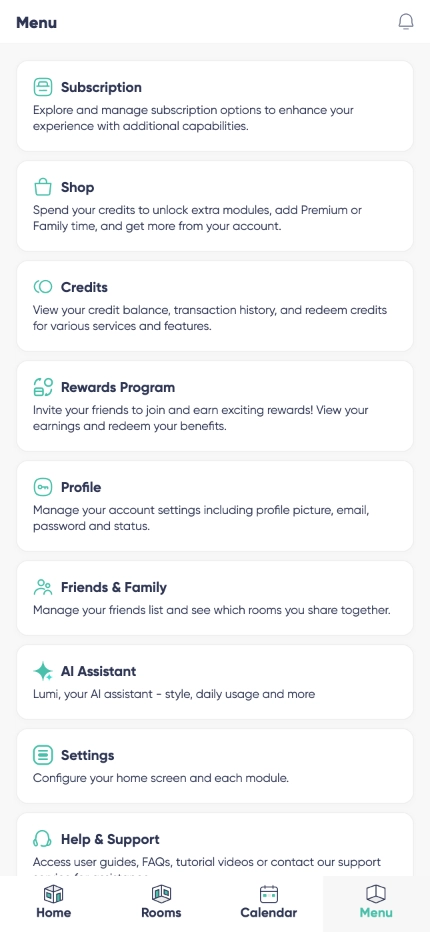
Product screenshots ready to use in articles and reviews. All of them are also included in the press kit download.
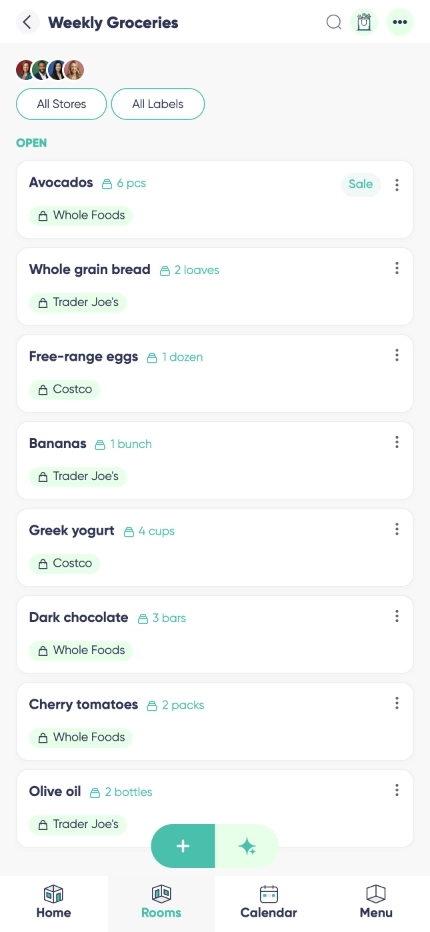 Shopping ListDownload
 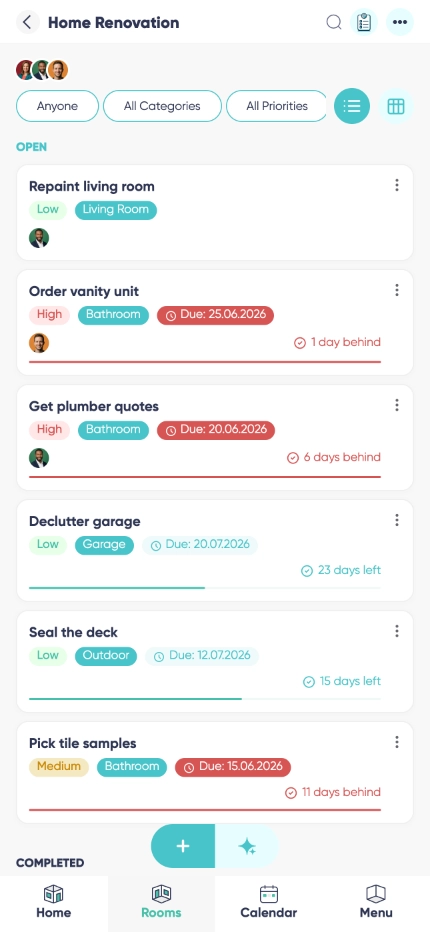 Task ManagerDownload
 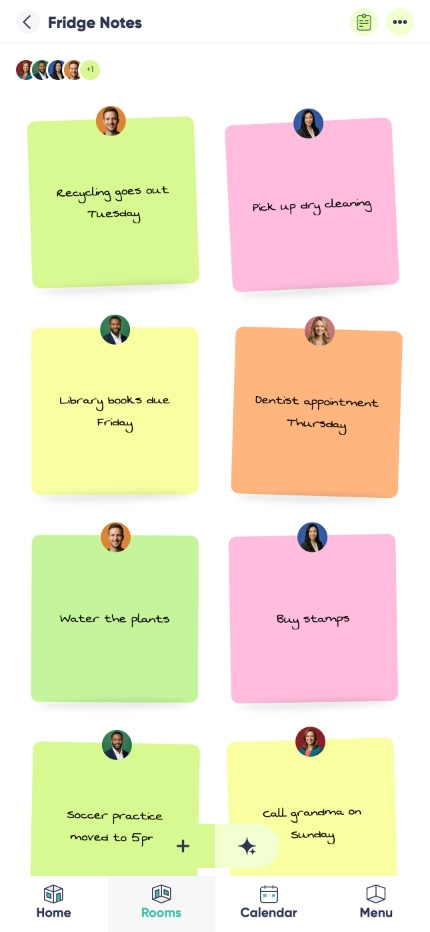 Magnet NotesDownload
 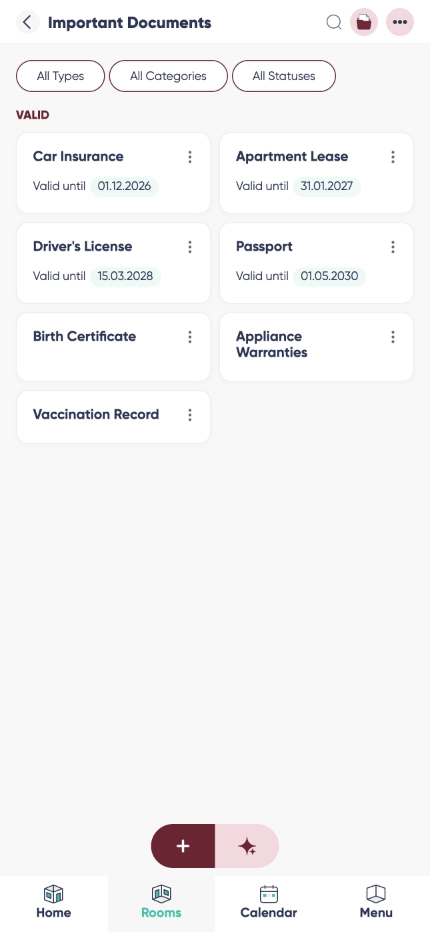 Doc StationDownload
 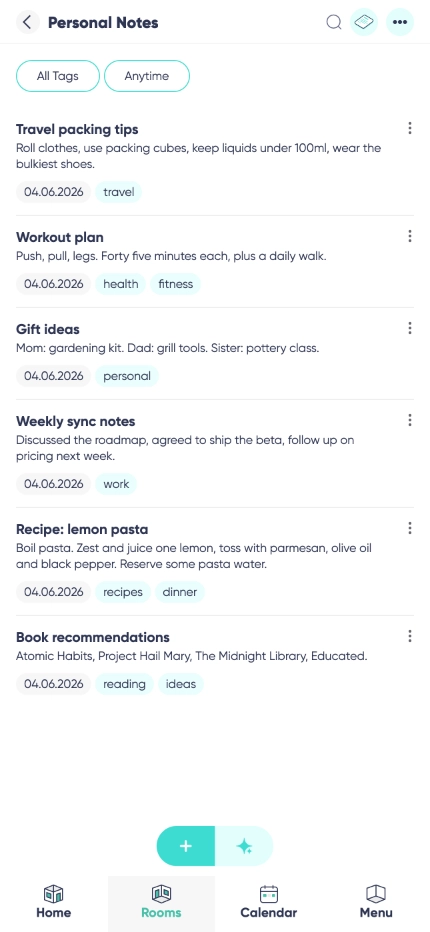 Note BaseDownload
 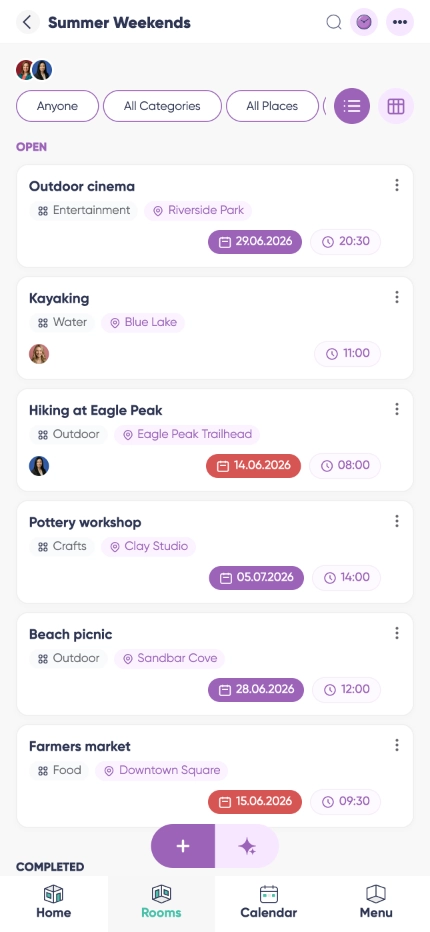 Activity PlannerDownload
 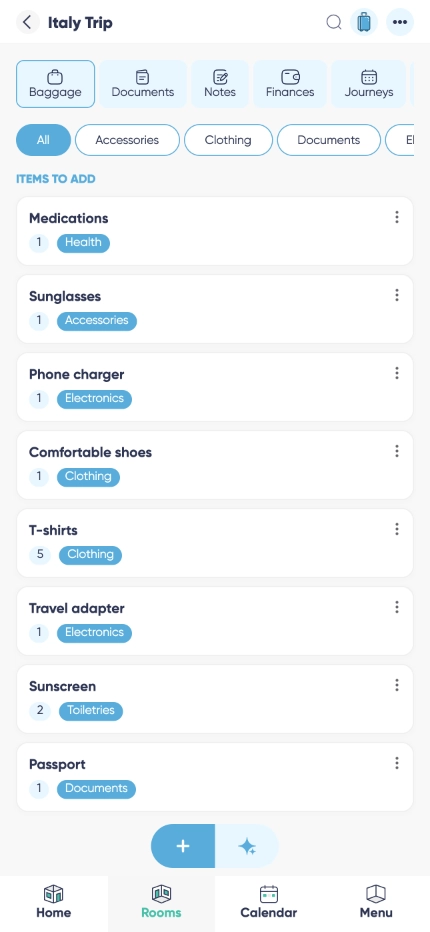 Travel HubDownload
 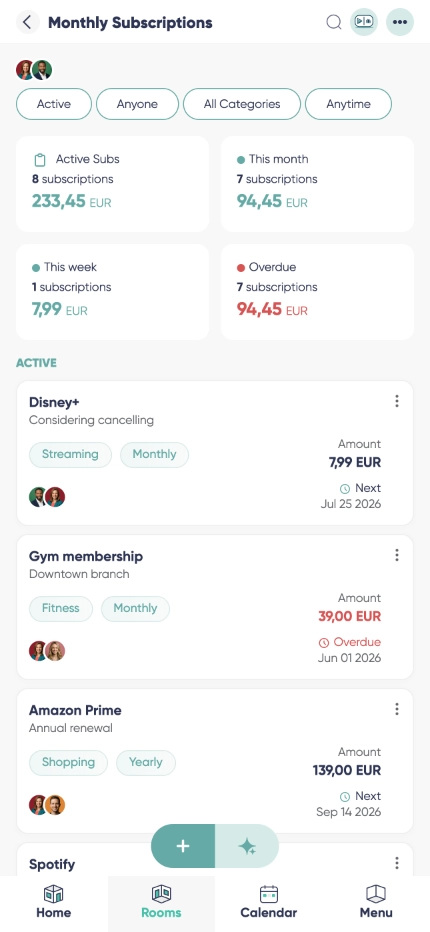 Subscription CentralDownload
 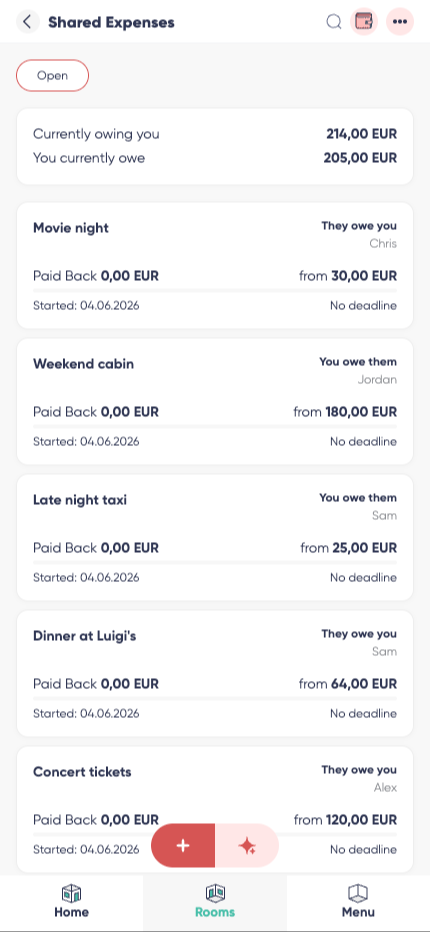 Debt LedgerDownload
 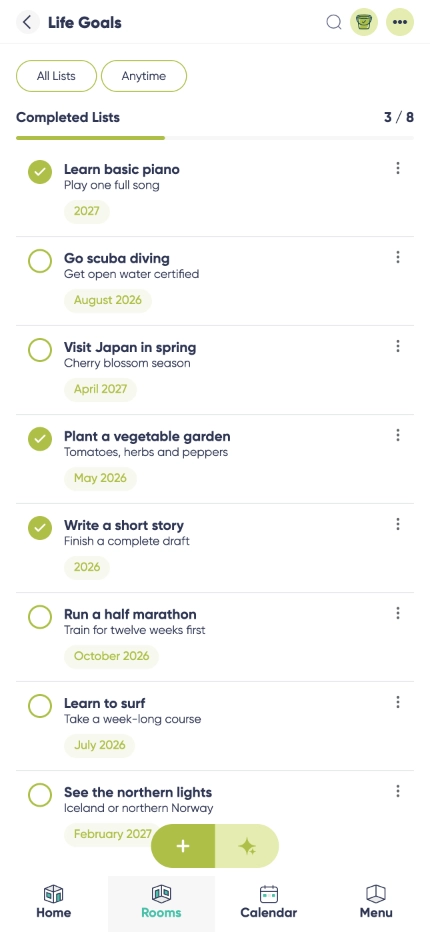 Bucket ListDownload
 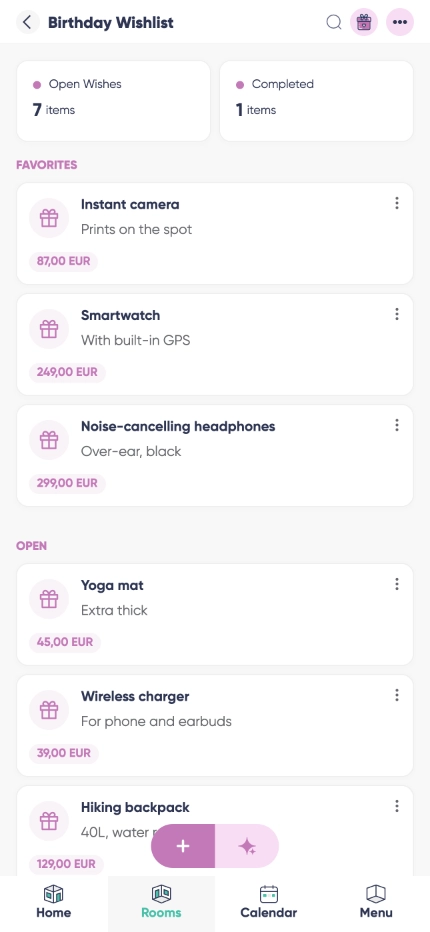 Wishlist BoxDownload
 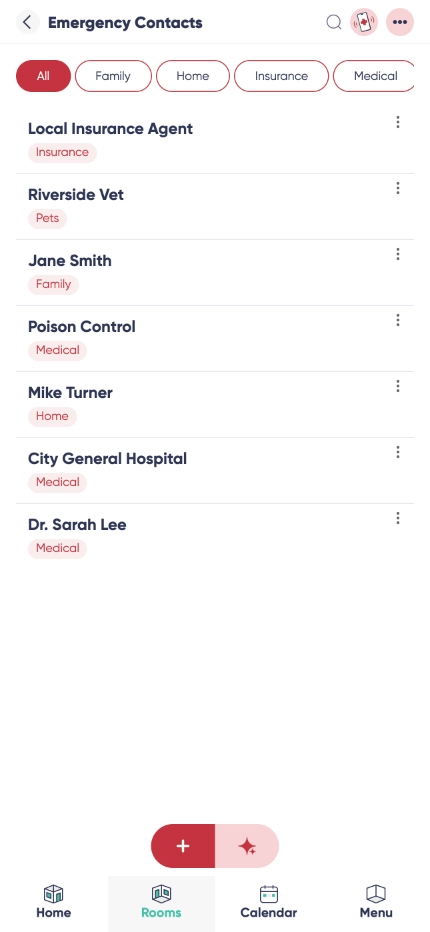 Emergency ContactsDownload
 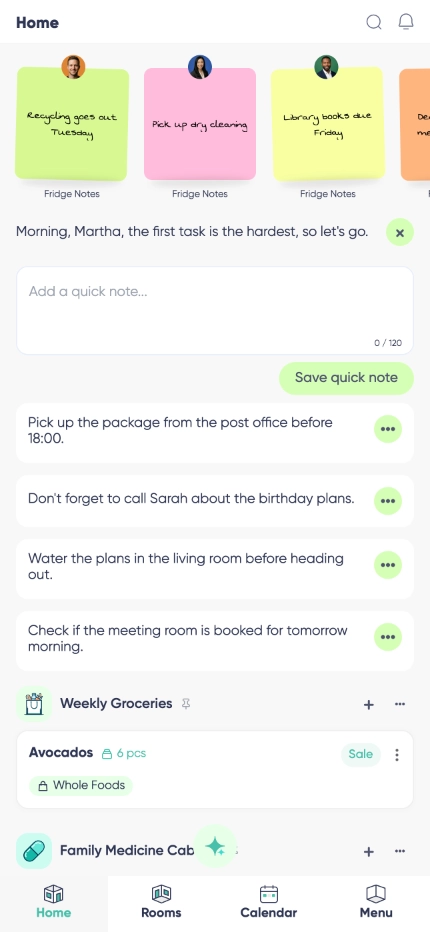 Quick NotesDownload
 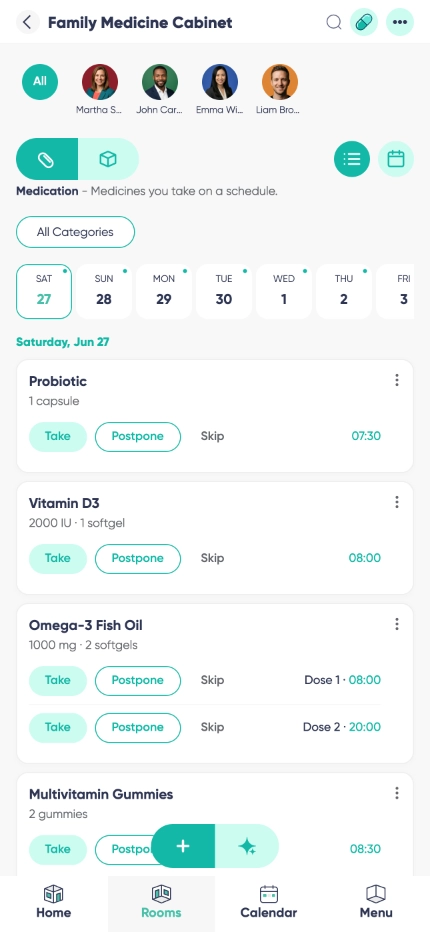 Health CabinetDownload
 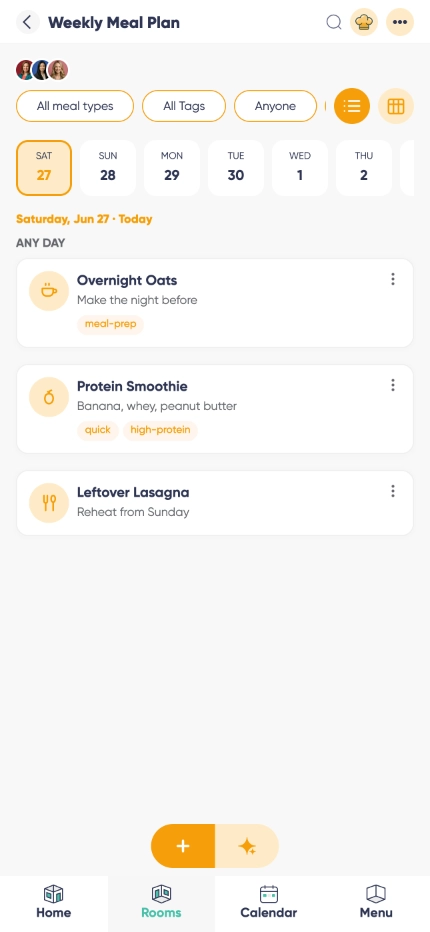 Meal PlannerDownload
 Working on a story about Listub? We are happy to answer questions, provide additional material or arrange an interview.